
Stop Exporting to Excel. Build the Report in MDT.
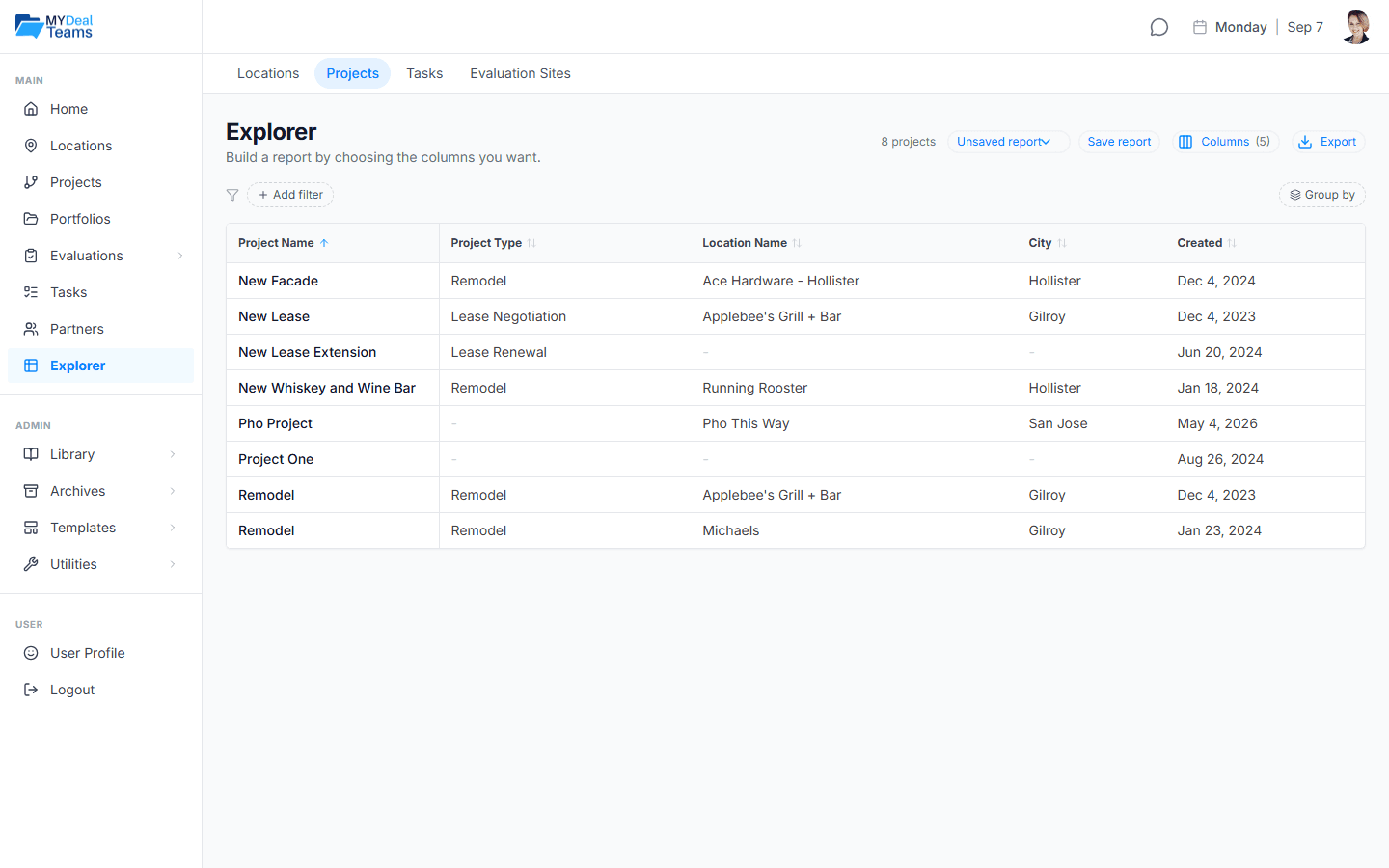
Anyone who has exported MDT data into Excel to answer one question knows the drill. Explorer lets you build that report inside MyDealTeams: pick a row type, choose your columns, filter and group, and save it. It re-runs against live data every time you open it.
Why the Answer Lives in a Spreadsheet
The report you actually need rarely exists as a screen, so it becomes a spreadsheet you keep rebuilding.
Rebuilt every cycle
The same report gets assembled by hand every reporting period.
Stale the moment it ships
The spreadsheet you emailed last quarter stopped updating the day you sent it.
Sharing means handing over a copy
Exporting to send someone a view gives them a static file you no longer control.
What Explorer Does
Build the report you want, save it, and share the layout without sharing the data.
Four row types, one engine
Build reports on Locations, Projects, Tasks, or Evaluation Sites, each with its own saved reports.
The columns you actually want
Assemble fields and rollups like open and overdue task counts alongside financial figures, then filter, group, and sort.
Live every time
A saved report re-runs against live data each time you open it. There is nothing to refresh.
Share the layout, not the data
Send a partner a report and they see it filled with their own rows. Nobody sees anything they could not already see.
Export in the shape you need
Excel with real numbers and dates, CSV for anything else, PDF for the meeting with its filters printed on it.
Never a blank screen
Every row type ships with a few starter reports, ready to rename or edit.
How Teams Use It
Size up a portfolio
Every asset in a state over a size threshold, with its open task count and open date, in about a minute.
Prep a committee packet
Pull the exact columns the committee asks for and export a clean PDF that names the filters behind it.
Track what is late and where
Save an overdue-work-by-location report that is current every time you open it.